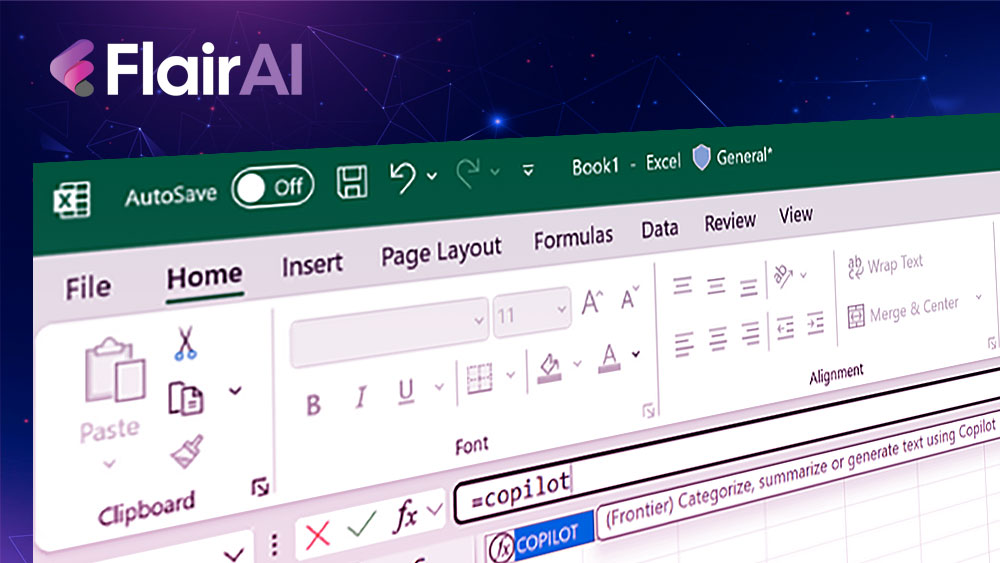
Microsoft has just rolled out a game-changing update to Excel that's going to make your spreadsheet life so much easier. The tech giant's AI assistant, Copilot, can now help you fill in cells automatically – and it's honestly brilliant.
What Does Excel Copilot Actually Do?
Gone are the days of staring at blank cells wondering what data should go where. Excel's new COPILOT function lets you use natural language prompts directly in cells, bringing AI-powered results straight into your spreadsheet. Whether you're working on financial reports, project timelines, or simple data lists, this clever assistant understands patterns and helps complete your work.
The AI analyses what you've already entered and makes intelligent suggestions for the rest. It's like having a spreadsheet expert looking over your shoulder, ready to lend a hand whenever you need it.
Real-World Examples That'll Save You Hours
Here's where it gets properly exciting. Let's say you've got customer feedback about a new coffee machine scattered across multiple cells. Instead of manually reading through each comment, you can simply type:
=COPILOT("Classify this feedback", D4:D18)
Copilot will automatically categorise each piece of feedback by sentiment, add appropriate emojis, and even suggest which category each comment fits into – like "Ease of Use" or "Design Quality."
Other brilliant examples include:
- Name splitting: Turn messy full names into separate title, first, middle, and last name columns
- Trip planning: Create detailed itineraries based on your stops, dietary needs, and interests
- Data generation: Need airport codes for different countries? Just ask:
=COPILOT("List airport codes from major airports in", E3)and watch as it populates with ATL, LAX, JFK for the USA, or SYD, MEL, BNE for Australia
Why This Matters for Excel Users
Let's be honest – Excel can be a bit of a nightmare sometimes. This new COPILOT function could be a proper lifesaver for:
- Business professionals who need to analyse customer feedback or sales data quickly
- Project managers tracking tasks and deadlines across multiple columns
- Students working on research projects with messy datasets
- Small business owners categorising expenses or customer information
- Anyone who's ever spent hours manually sorting through repetitive data
The best part? Your data sent through the COPILOT function is never used to train or improve the AI models, so your sensitive business information stays confidential.
How AI is Changing Office Work
This isn't just about Excel getting fancier – it's part of a bigger shift towards AI-powered productivity tools. Microsoft is clearly betting that workers want technology that actually helps them get things done faster, rather than just adding more complicated features.
The integration feels natural too. Copilot doesn't take over your spreadsheet; it simply offers helpful suggestions when you need them.
The Bottom Line
Microsoft Excel's new Copilot AI feature represents a significant step forward in making spreadsheets more user-friendly and efficient. Whether you're an Excel wizard or someone who breaks out in a cold sweat at the sight of formulas, this AI assistant could genuinely transform how you work with data.